
Word to PDF Converter
Preserve original design • Professional PDF conversion
Drag & Drop your Word document here
or click to browse (.docx files only)
Document Preview
Convert Word to PDF in Your Browser
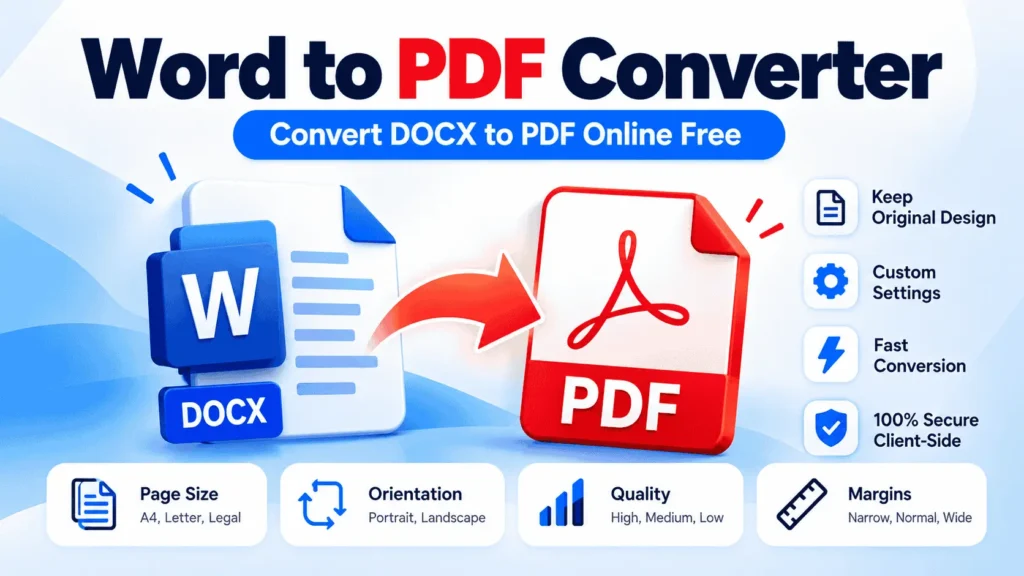
This Word to PDF converter turns DOCX documents into PDF files without Microsoft Word, without an account and without uploading your file anywhere. You can choose the paper size, orientation, quality and margins, check a preview, and then download your PDF.
How to Convert DOCX to PDF
- Add your document. Click Select DOCX File or drag the file into the box above.
- Choose a page size: A4 for most countries, Letter for the US and Canada, or Legal.
- Set the orientation. Portrait for normal documents, landscape for wide tables.
- Pick a quality level. High for printing, Medium for email, Low for the smallest file.
- Choose margins: Narrow, Normal or Wide.
- Check the preview, then click Generate PDF to download it.
Why Send a PDF Instead of a Word File?
- It looks the same everywhere. A Word file can change fonts and layout on another computer; a PDF doesn't.
- Employers and portals prefer it. Many job sites and application forms ask for CVs and documents in PDF.
- It is harder to change by accident. Good for invoices, letters, contracts and assignments.
- It opens on any phone. No Word app needed.
Tips for the Best Result
- Use common fonts such as Arial, Calibri or Times New Roman, so the preview matches your original.
- Have a .doc file? Save it as .docx first, because only .docx is supported.
- Match the paper size. If your Word file is set to A4, choose A4 here too, so page breaks fall in the same places.
- File too big for an upload form? Switch the quality to Medium or Low and generate the PDF again.
- Need one file? Combine the result with other PDFs using Merge PDF.
Your Document Stays on Your Device
The conversion runs in your browser using open-source libraries (Mammoth to read the DOCX file, and jsPDF with html2canvas to build the PDF). Your document is not uploaded to Timload, which makes the tool a safe choice for CVs, contracts and other private files.
Frequently Asked Questions
Is the Word to PDF converter free?
Yes. Convert as many DOCX files as you like without signing up, and no watermark is added.
Can I convert an old .doc file?
Not directly. The tool reads .docx files. Open the .doc file in Microsoft Word, Google Docs or LibreOffice, save it as .docx and then convert it here.
Will the PDF look exactly like my Word file?
Text, headings, lists, tables and images come through well. Very complex layouts, such as text boxes, unusual fonts or headers and footers, may shift slightly, so check the preview before downloading.
Are my documents uploaded to a server?
No. The document is read and converted in your browser, so it does not go to a Timload server.
Can I make a landscape PDF?
Yes. Choose Landscape under Orientation before you generate the PDF.
Which quality setting should I pick?
High gives the sharpest result for printing. Medium is a good balance for email, and Low makes the smallest file for upload portals with tight size limits.
Related Free Tools
- Merge PDF – join several PDFs into one file
- Text to PDF Converter – turn plain text into a clean PDF
- JPG to PDF Converter – put photos and scans into one PDF