
📄 Text to PDF Converter
Live Text Here
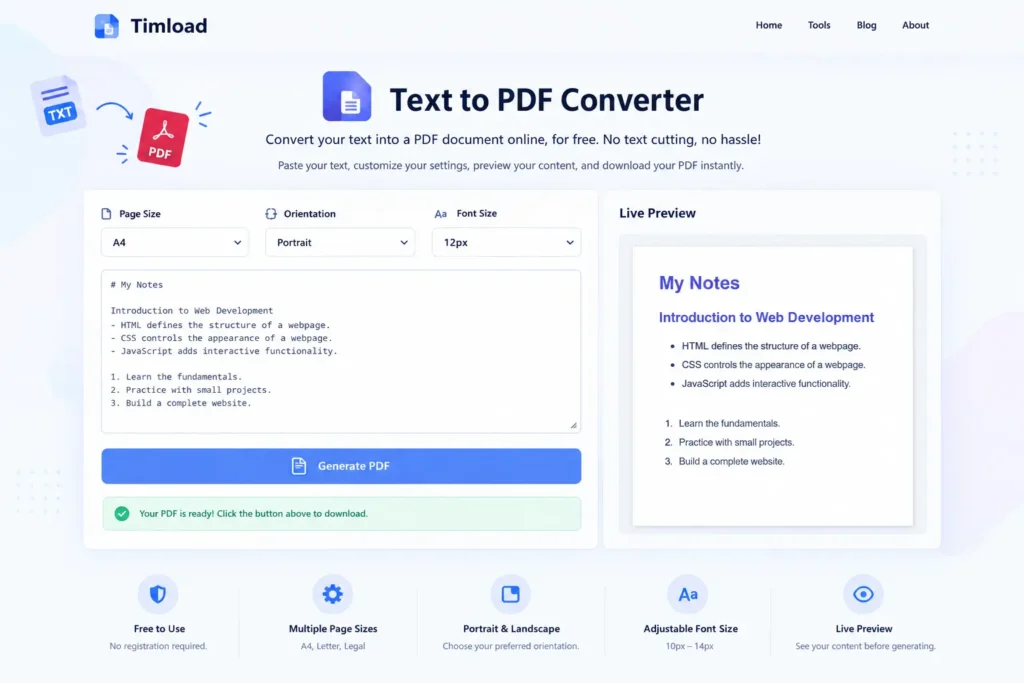
Have some notes, a list or a message you want to send as a proper document? Paste it into the box above and this text to PDF converter turns it into a clean, readable PDF in one click. Choose A4, Letter or Legal paper, portrait or landscape, and a font size between 10 and 14 px. Long text wraps and flows onto new pages, so nothing gets cut off.
How to Convert Text to PDF
- Paste or type your text into the editor. You can copy it from Notepad, an email, WhatsApp or a web page.
- Pick a page size: A4 for most countries, Letter for the US and Canada, Legal for longer forms.
- Choose the orientation. Portrait suits letters and notes; landscape works better for wide lists.
- Set the font size. 12 px is comfortable for most documents, 10–11 px fits more on a page.
- Click Generate PDF. The file downloads straight to your device.
When a Text to PDF Converter Is Handy
- Sharing notes: a PDF looks the same on every phone and computer, while a .txt file can open with odd line breaks.
- Printing: get proper margins and page breaks instead of printing straight from a chat or text editor.
- Submitting work: many portals accept PDF but not TXT files.
- Saving content: keep a neat copy of instructions, recipes, code snippets or meeting notes.
- Converting TXT files: open the .txt file, copy everything and paste it here to convert TXT to PDF.
Tips for a Neat-Looking PDF
- Use blank lines between paragraphs. They carry over to the PDF and make the text much easier to read.
- Start lists on new lines with a dash or a number, so each item gets its own line.
- Remove extra spaces. Text copied from web pages can contain double spaces; our word counter has a one-click Remove Extra Spaces button.
- Pick a size people can read. For anything that will be printed, 12 px or larger is easier on the eyes.
Private by Design
The PDF is created in your browser using the jsPDF library. Your text is not uploaded to Timload, so you can safely convert personal notes or work documents.
Frequently Asked Questions
How do I convert a TXT file to PDF?
Open the .txt file in Notepad or any text editor, copy everything, paste it into the box above and click Generate PDF.
Is the text to PDF converter free?
Yes. It is completely free, with no account and no watermark.
Will long text get cut off?
No. Long lines wrap automatically and long text continues onto new pages, so nothing is cut at the edge.
Which page sizes can I choose?
A4, Letter and Legal, each in portrait or landscape.
Is my text sent to a server?
No. The PDF is built in your browser with the jsPDF library, so your text stays on your device.
Can I edit the PDF afterwards?
A PDF is meant for sharing, not editing. Keep your original text, make changes there and generate a new PDF.
Related Free Tools
- Word to PDF Converter – convert DOCX files to PDF
- Merge PDF – join several PDFs into one file
- Word Counter – count words and characters as you type