
Image to PDF Converter
Drag & Drop Images Here
or click the button below to select images
Turn Photos and Scans into a PDF
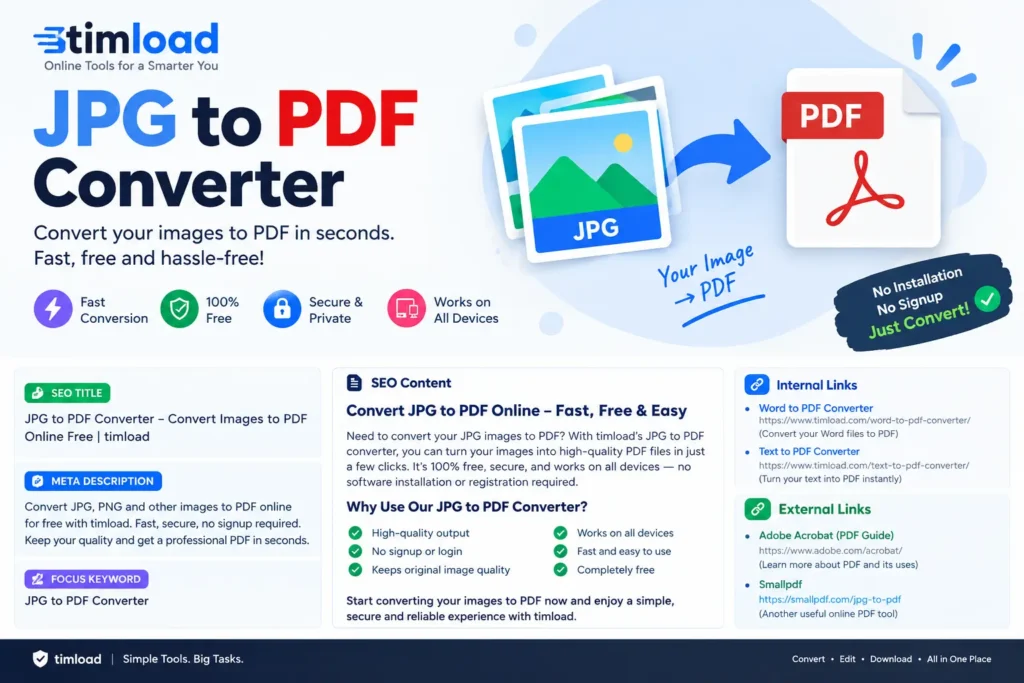
This JPG to PDF converter puts one or many images into a single PDF file. It works with JPG, PNG, WebP, BMP and other image formats your browser can open. Choose A4, Letter or Legal pages, portrait or landscape, and how the images should fit, then download your PDF. Nothing is uploaded, and there is no watermark.
How to Convert Images to PDF
- Add your images. Click Select Images or drag photos into the box. You can add many at once.
- Check the order. Each image becomes one page, in the order shown. Remove any image you don’t need.
- Choose the page size (A4, Letter or Legal) and the orientation (portrait or landscape).
- Pick image scaling. Fit to page scales each image to fill the page neatly; Original size keeps its real size.
- Choose the quality: High Quality for printing, Medium for sharing, Small File for upload limits.
- Click Generate & Download PDF. Your PDF is saved straight to your device.
Popular Ways People Use It
- Scanned documents: turn phone photos of ID cards, certificates and forms into one PDF for an application.
- Receipts and bills: keep a month of receipts in a single file for expense claims.
- Homework and notes: students can photograph handwritten pages and submit them as one PDF.
- Portfolios: combine design work or product photos into one file that is easy to email.
Tips for Sharp, Readable Pages
- Photograph documents in good light and hold the phone straight above the page to avoid shadows and slanted text.
- Crop before you convert. Removing the table or floor around a document makes the page cleaner and the file smaller.
- Use landscape for wide images such as screenshots and spreadsheets.
- Watch the file size. If the PDF is too large for a portal, choose Small File, or shrink the photos first with our image compressor.
- Need to add other PDFs? Join them together with Merge PDF.
Private and Fast
The PDF is built in your browser, so your images are not uploaded to Timload. It is also quick, because there is no waiting for files to upload and download.
Frequently Asked Questions
How do I convert JPG to PDF for free?
Add your JPG files above, choose the page size and orientation, then click Generate & Download PDF. It’s free, with no sign-up and no watermark.
Can I put several photos into one PDF?
Yes. Add all the images you need. Each image becomes its own page, and the PDF follows the order of the images in the list.
Does it work for PNG and other images?
Yes. You can convert JPG, PNG, WebP, BMP and other image formats that your browser can open.
Does it work on my phone?
Yes. It works in mobile browsers on Android and iPhone, so you can turn photos from your gallery into a PDF directly.
Are my images uploaded to a server?
No. The images are read and the PDF is created inside your browser, so your photos stay on your device.
How do I make the PDF smaller?
Choose the Small File quality option. Compressing large photos first with our image compressor also helps.
Related Free Tools
- Image Compressor – shrink JPG, PNG and WebP files
- Merge PDF – join several PDFs into one file
- Word to PDF Converter – convert DOCX files to PDF